
EMBROIDERY DIGITIZING
Professional Embroidery DigitizingServices for Clean Stitch Files
Zirexa Designs converts logos and artwork into professional embroidery digitizing files for caps, patches, left chest, jackets, uniforms and custom applications with attention to stitch direction, density, underlay and production use.
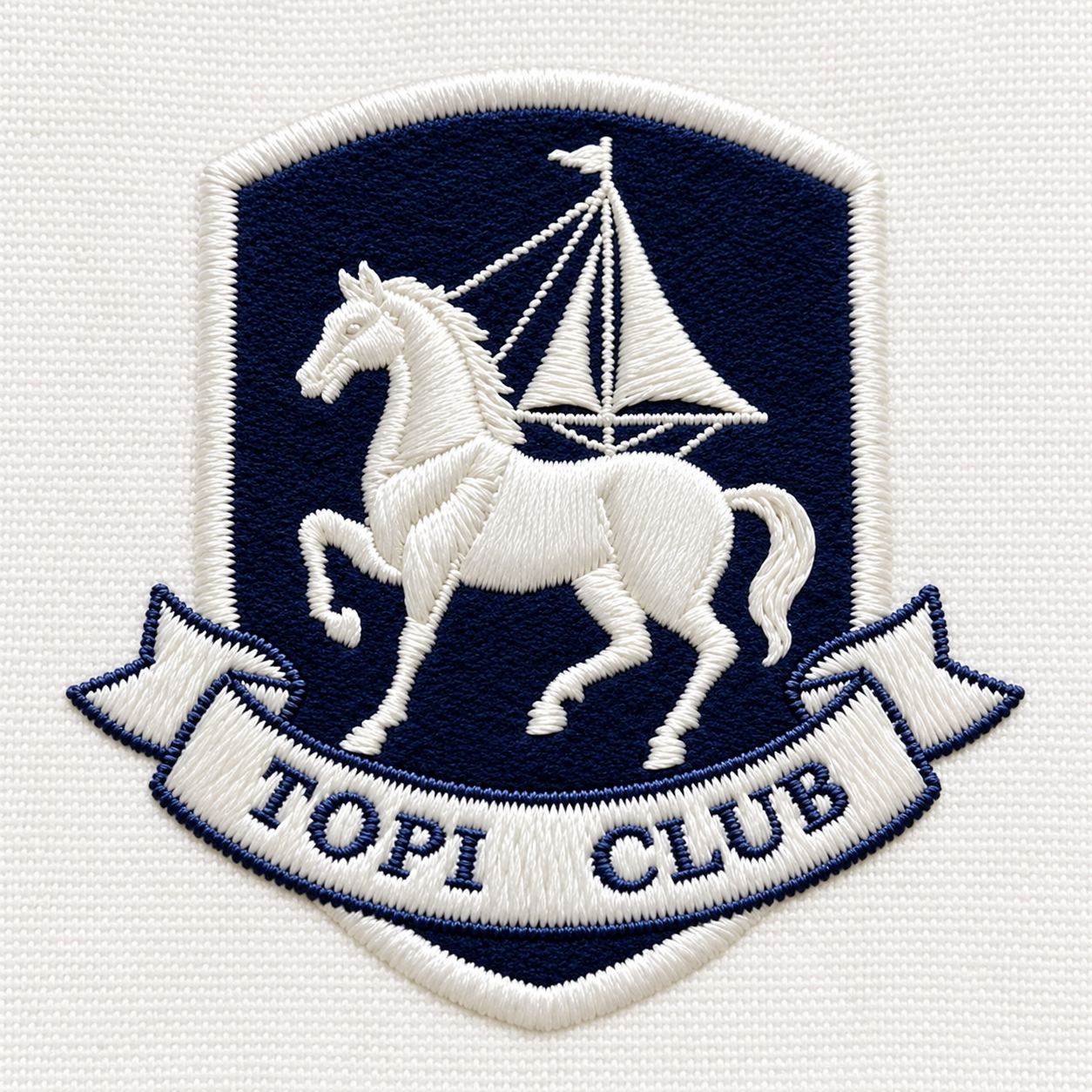
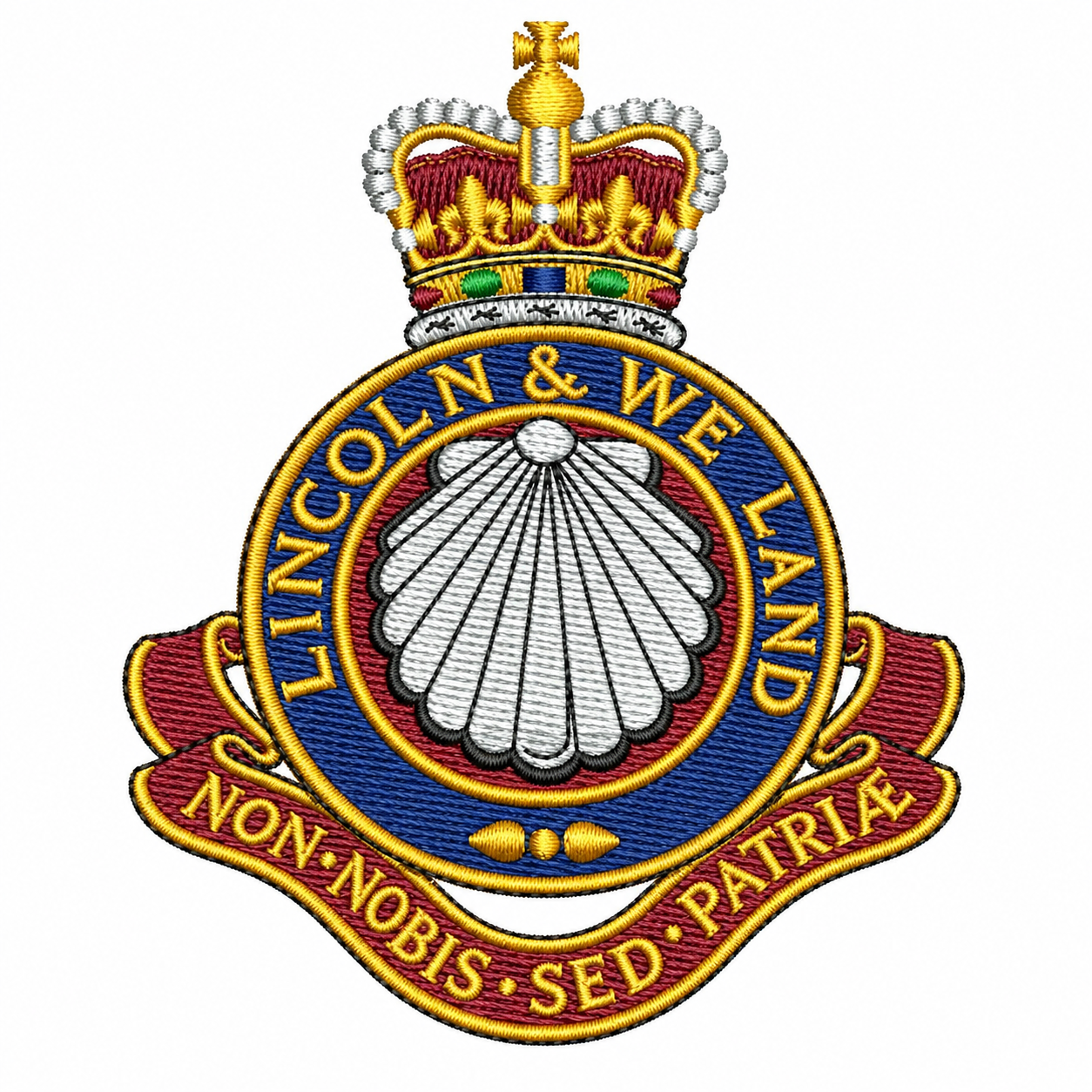
Production-Ready Stitching
Clean Embroidery Paths
DIGITIZING HERO IMAGE
Future Admin Upload Slot
Logo Digitizing
Cap Embroidery
Left Chest
Patches
Jackets & Uniforms
WHAT WE DIGITIZE
Professional Embroidery Files for Different Garments & Applications
Good digitizing is built around the fabric, size, stitch type and intended machine result. We prepare artwork so the embroidery can run more cleanly and maintain the important details of the original design.
01
Logo Digitizing
Convert company logos, brand marks and custom artwork into structured embroidery stitch files.
02
Cap Digitizing
Prepare designs with a stitch approach suitable for curved cap surfaces and center-out embroidery workflows.
03
Left Chest Digitizing
Clean, compact digitizing for polos, shirts, jackets, uniforms and other left-chest placements.
04
Patch Digitizing
Prepare artwork for embroidered patches with controlled borders, fills and practical stitch structure.
05
Jacket & Back Designs
Digitize larger artwork with appropriate stitch organization for more detailed embroidery applications.
06
Small Text & Detail
Refine lettering and fine details with realistic consideration for the final embroidery size.
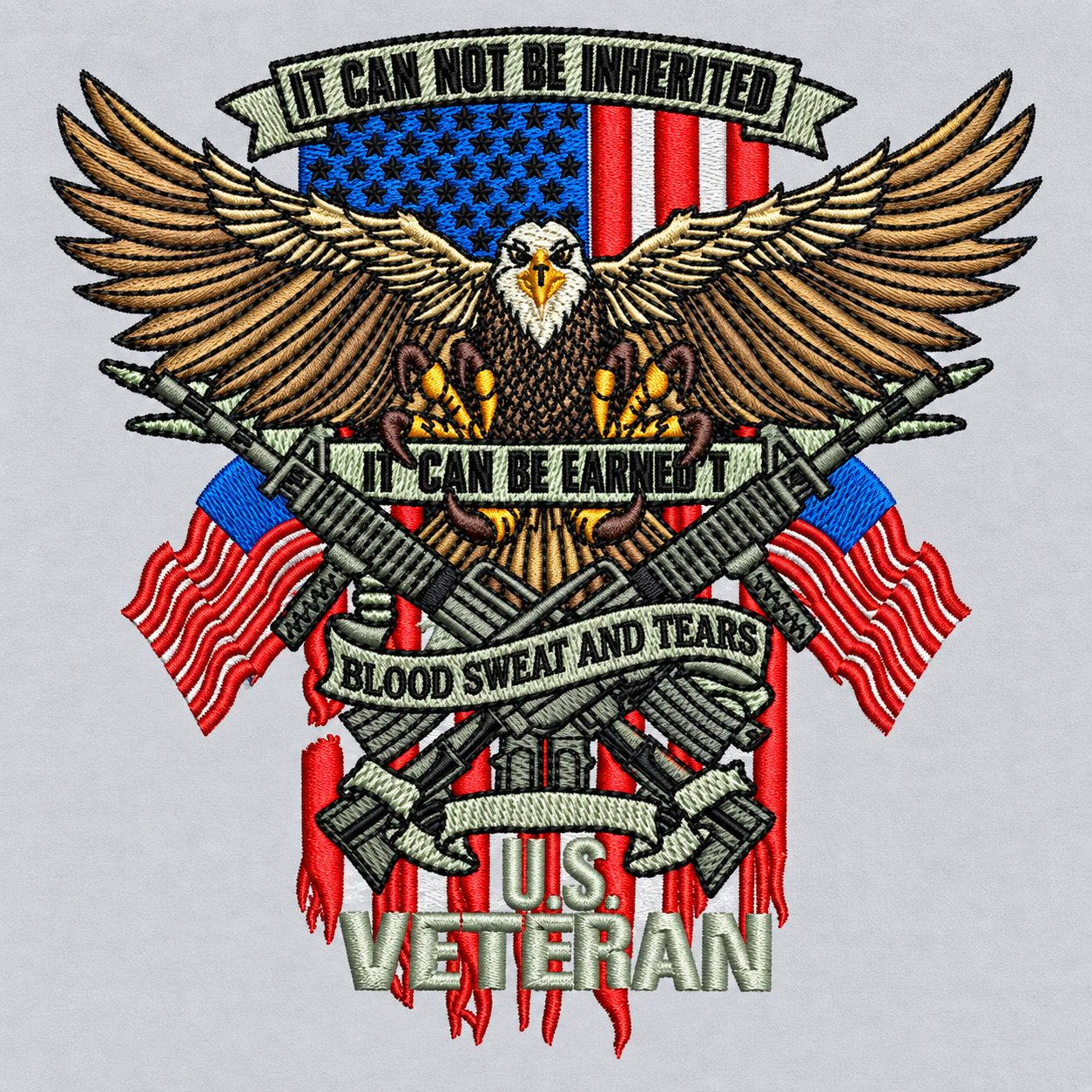
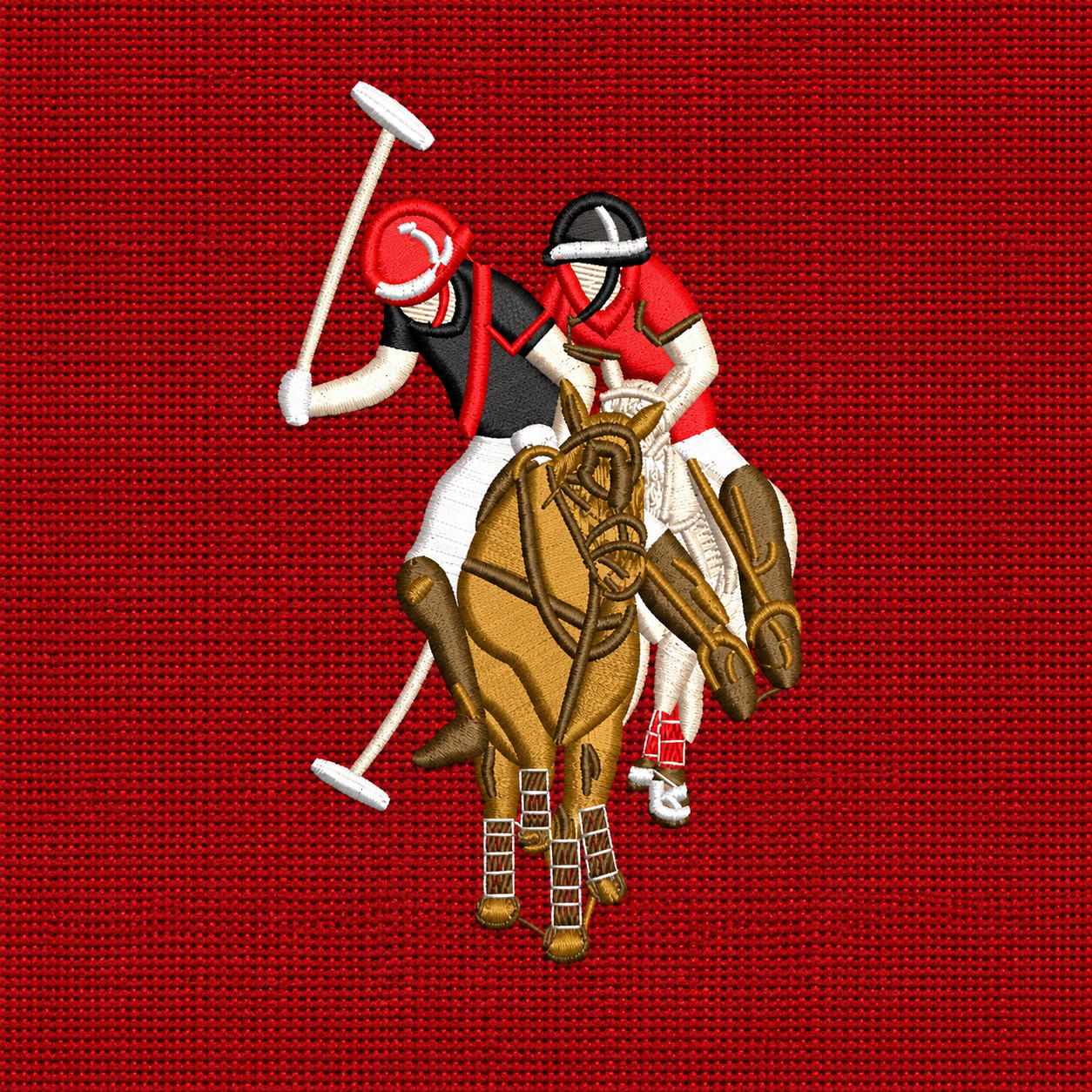
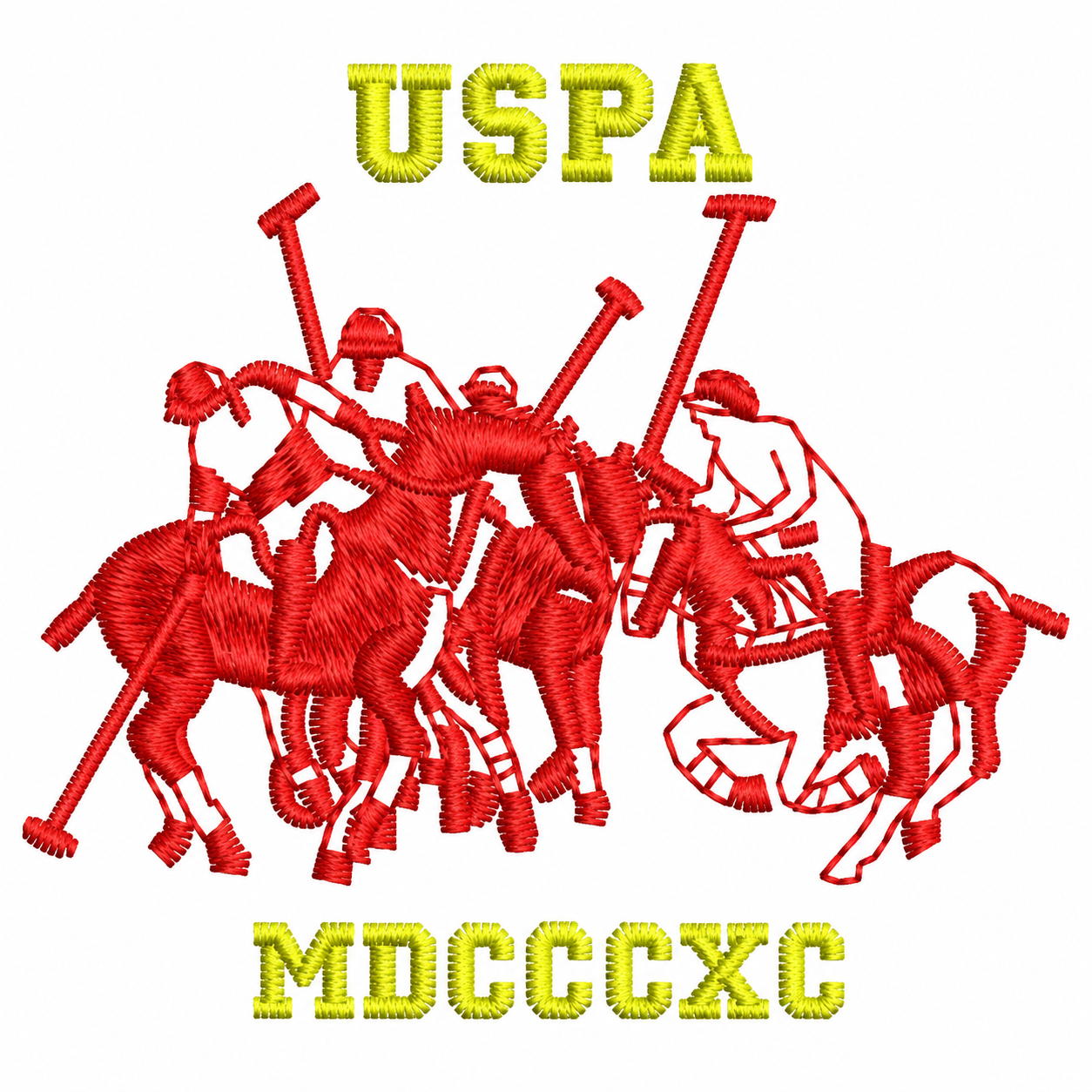
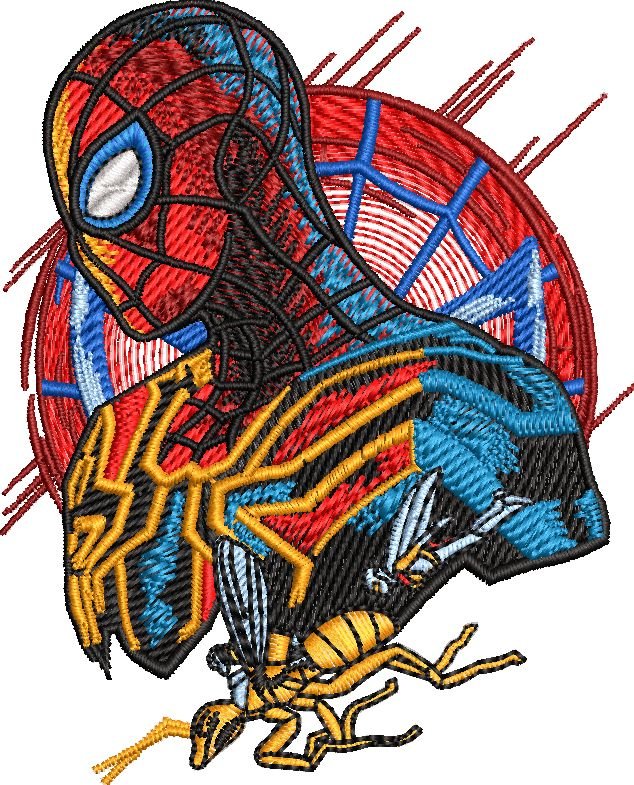
DIGITIZING SHOWCASE
Four Strong Image Areas for Stitch Samples & Real Embroidery Work
The hero plus these three showcase areas give enough room for stitch-out photos, digitized artwork and embroidery samples without creating too many image uploads.
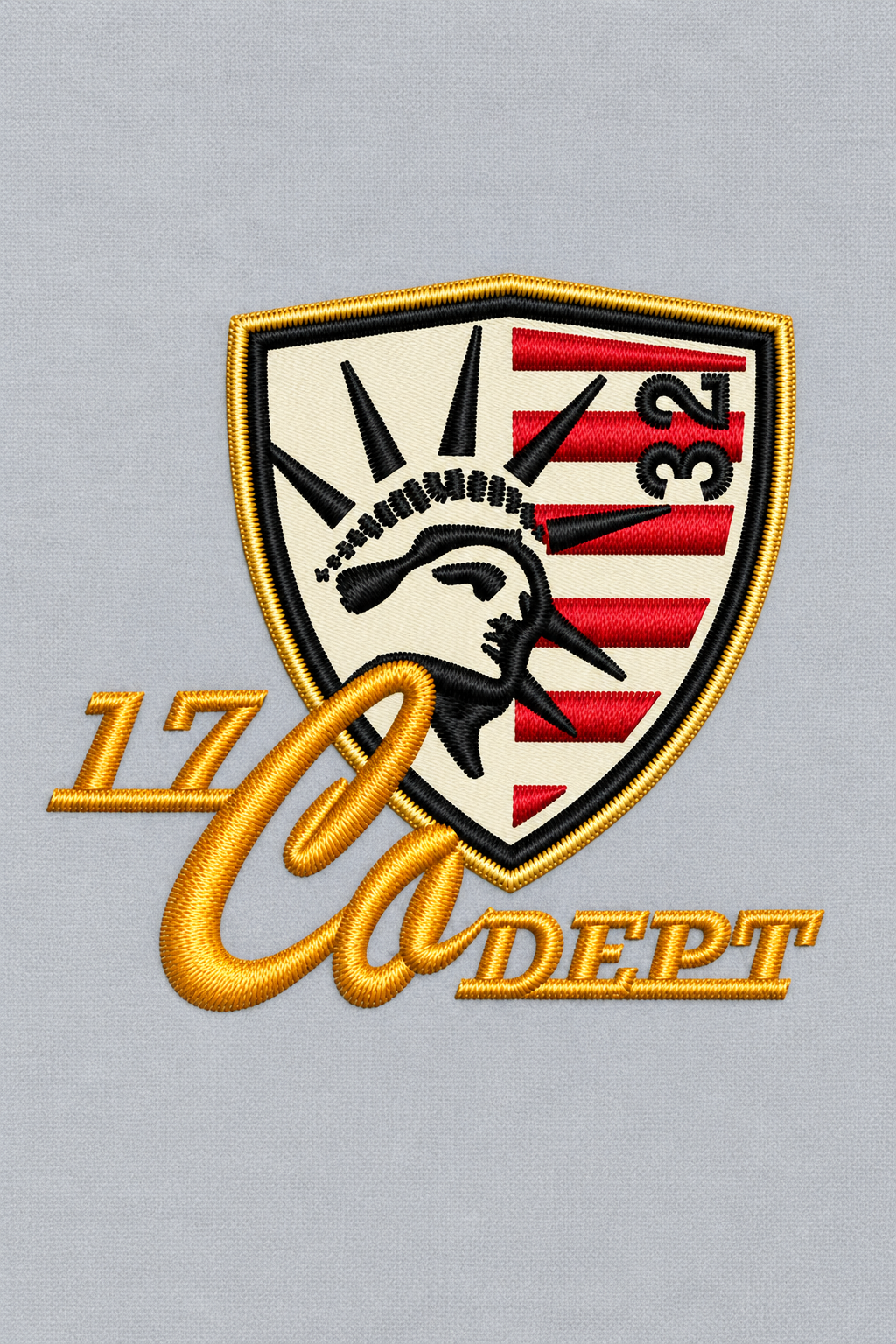
Featured Stitch-Out / Main Showcase
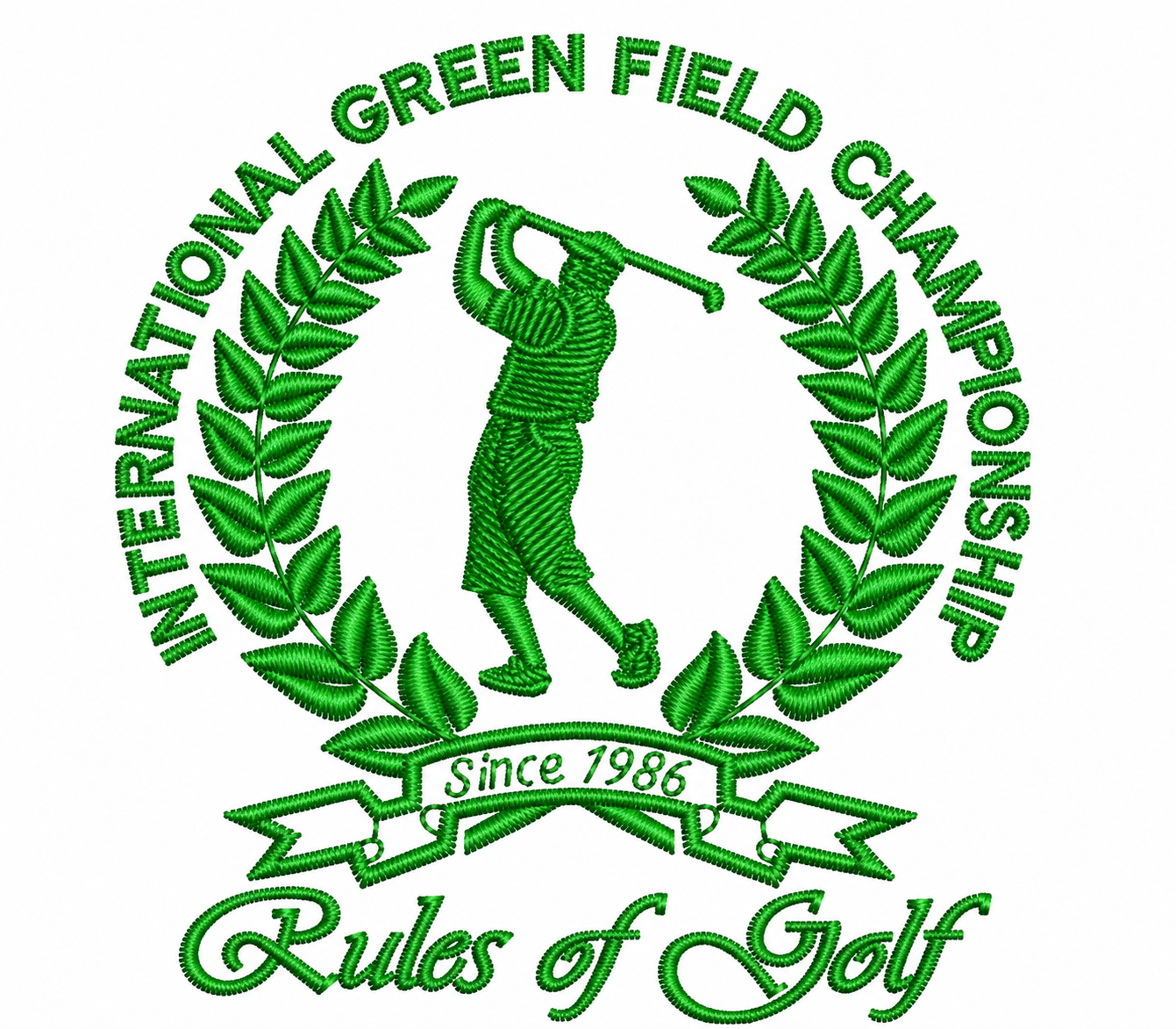
Cap / Left Chest
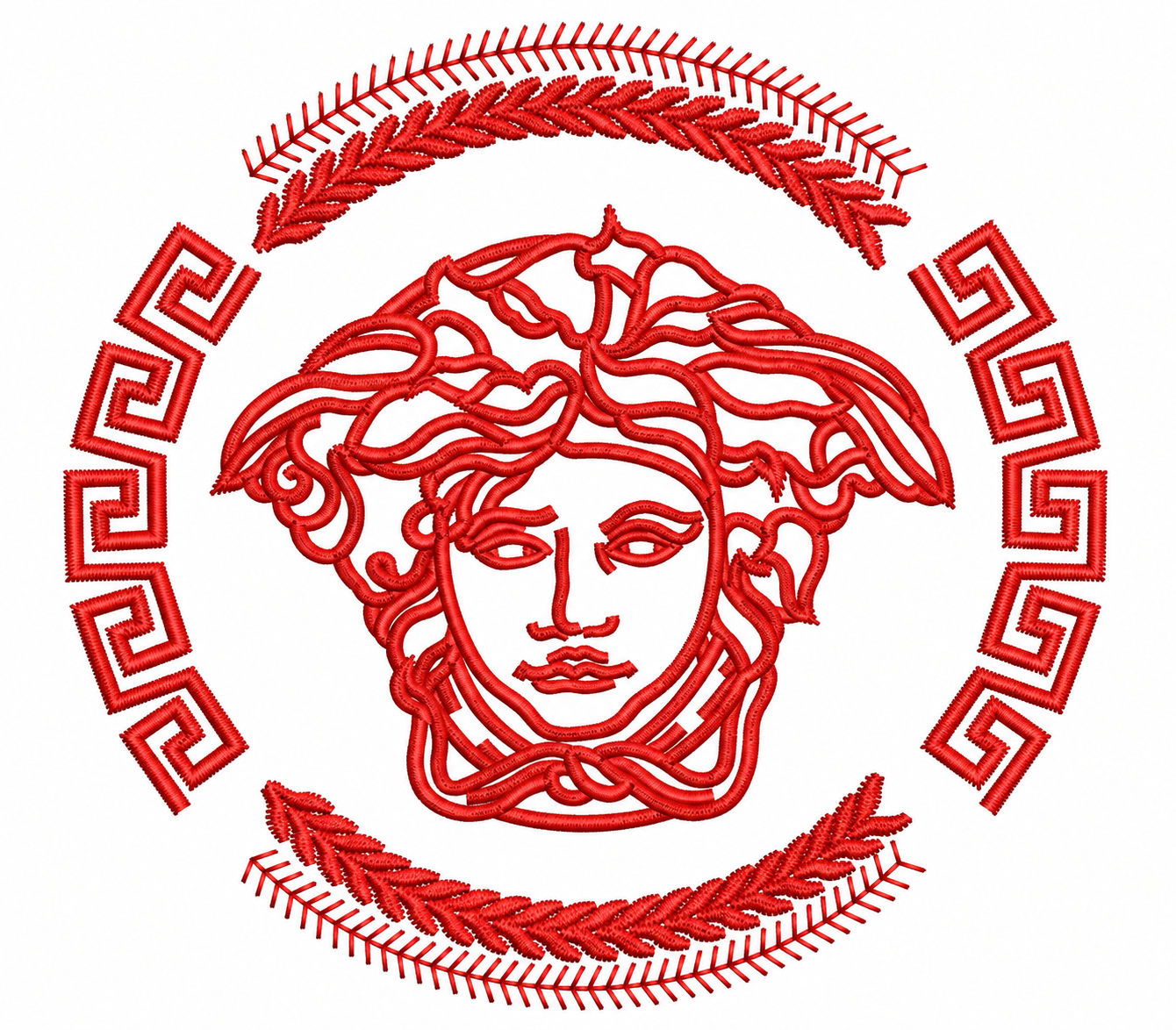
Patch / Jacket
TECHNICAL PRIORITIES
What We Focus on When Building an Embroidery File
Digitizing is not only tracing artwork. Stitch type, sequence, direction and fabric behavior all affect how the design may run and how clean the final embroidery can look.
Controlled Stitch Density
Density is considered around fabric, design size and stitch type to avoid unnecessary heaviness.
Support Where Needed
Underlay can help stabilize important areas and support cleaner top stitching depending on the design.
Better Stitch Flow
Stitch direction can improve shape definition and help different design elements read more clearly.
Practical Run Order
Stitch sequence is organized to reduce unnecessary movement and maintain a cleaner embroidery workflow.
OUR PROCESS
From Artwork to Production-Ready Embroidery File
We review the artwork, size and application first, then build the stitch file around the intended placement and production requirements.
Review
We review artwork quality, final size, fabric or garment type and embroidery placement.
Digitize
Shapes are converted into appropriate stitch objects, directions and sequence based on the design.
Refine
Density, underlay, small details, trims and overall stitch organization are checked and adjusted.
Deliver
The final embroidery file is prepared in the requested machine format when supported.
BUILT FOR EMBROIDERY
Good Digitizing Helps the Machine Produce a Cleaner Result
A visually strong logo can still embroider poorly if the stitch file is not structured for the actual fabric and size. Professional digitizing translates the artwork into a stitch plan that considers how embroidery behaves.
Whether the design is for a cap, polo, patch, jacket or uniform, the digitizing should be built around the intended application rather than using one generic stitch approach.
Send Your Artwork
✓
Application-Based Setup
Digitizing can be adjusted around caps, left chest, patches, jackets and other placements.
✓
Controlled Stitch Structure
Stitch type, density and sequence are considered as part of the production setup.
✓
Clean Detail Handling
Small text and fine details are reviewed realistically for the final embroidery size.
✓
Machine File Delivery
Supported embroidery file formats can be prepared based on your machine or production requirement.
COMMON FILE FORMATS
Embroidery Formats for Different Machines & Workflows
Available formats depend on the project and source workflow, but common embroidery formats can include:
DST
PES
EXP
JEF
XXX
EMB / Source
DIGITIZING FAQ
Common Questions Before Sending an Embroidery Job
What artwork can I send for digitizing?
You can send a logo, image, vector file, PDF or other clear reference along with the required embroidery size.
Do you need the final embroidery size?
Yes. The final width or height is important because stitch structure and small details depend heavily on the actual embroidery size.
Can you digitize for caps and patches?
Yes. Caps, patches, left chest, jackets and other applications can require different digitizing approaches.
Can you provide different machine formats?
Common embroidery machine formats can be supplied when supported by the project and production requirements.
READY TO DIGITIZE YOUR ARTWORK?
Start Digitizing Project